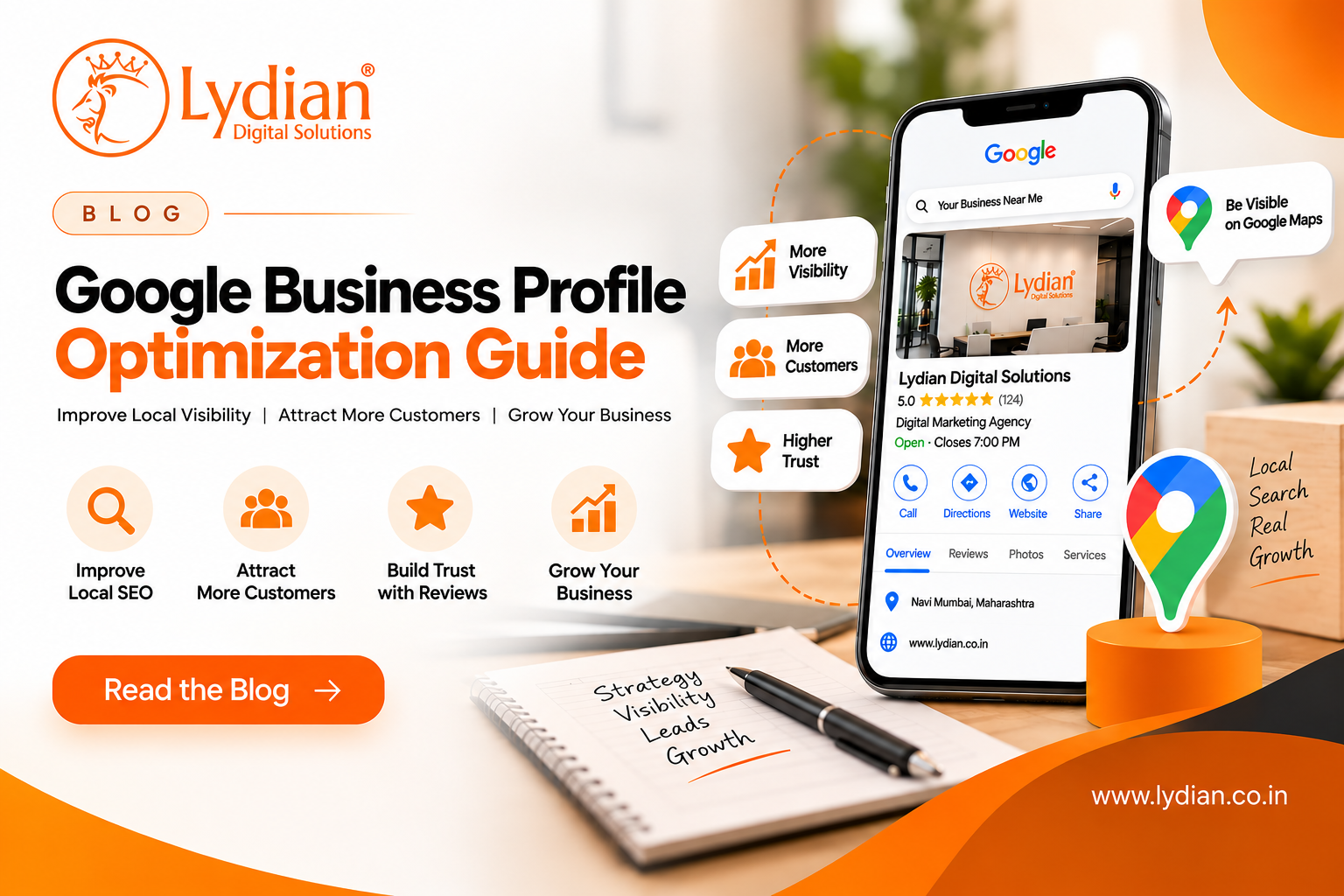
If you run a local business, appearing on Google when potential customers search for your products or services can make a major difference. Whether someone searches for a “digital marketing agency near me,” “restaurant near me,” “real estate consultant,” or “website development company,” Google Business Profiles are often prominently displayed in local search results and Google Maps.
This is why Google Business Profile optimization is an important part of local SEO.
A properly optimized profile helps customers understand your business, find your location, check your opening hours, visit your website, read reviews and contact you directly.
In this guide, we'll explain how to optimize your Google Business Profile and strengthen your local online presence.
What Is a Google Business Profile?
A Google Business Profile (GBP), previously known as Google My Business, allows eligible businesses to manage how their information appears across Google Search and Google Maps.
A Business Profile can display information such as:
Business name
Address or service area
Phone number
Website
Business hours
Products and services
Photos and videos
Customer reviews
Business categories
For businesses serving customers in specific locations, an optimized Google Business Profile can become an important customer discovery and contact channel.
Why Is Google Business Profile Optimization Important?
Simply creating a profile isn't enough. Your information needs to be accurate, complete and useful.
According to Google, local search results are mainly based on relevance, distance and prominence. Providing complete and accurate business information can help Google better understand your business and match it with relevant searches.
An optimized profile can help you:
Improve local search visibility
Appear in relevant Google Maps searches
Generate website visits and phone calls
Help customers find your business
Showcase products and services
Build trust through customer reviews
Google Business Profile optimization should therefore be treated as an ongoing part of your local SEO strategy.
How to Optimize Your Google Business Profile
1. Claim and Verify Your Business Profile
The first step is to claim and verify your Google Business Profile.
Verification confirms that you're authorized to manage the business. Once verified, you can control and update important information displayed to potential customers.
Make sure you don't create unnecessary duplicate profiles for the same business location.
2. Use Your Actual Business Name
Your profile should use the same business name customers see on your website, storefront and branding.
Avoid adding unnecessary keywords to the name.
For example, instead of:
ABC Digital – Best Digital Marketing & SEO Agency in Mumbai
use your genuine business name:
ABC Digital
Service and location keywords can be incorporated naturally into your description, services and website rather than being stuffed into your business name.
3. Choose the Right Business Category
Selecting the correct primary category is an important part of Google Business Profile SEO.
Choose the category that most accurately represents your main business activity.
You can add relevant secondary categories where appropriate, but avoid choosing unrelated categories simply because you want to appear for additional searches.
Your categories should describe what your business actually does.
4. Complete Your Business Information
Complete all relevant sections of your profile.
Check your:
Address or service area
Phone number
Website
Opening hours
Business categories
Services
Business attributes
Your information should always remain accurate.
If your opening hours, location or contact information changes, update your Google Business Profile as soon as possible.
5. Write a Clear Business Description
Your description should quickly explain:
Who you are, what you offer and where you operate.
For example:
“ABC Digital is a digital marketing agency helping businesses grow online through SEO, website development, social media marketing, paid advertising and digital strategy.”
Include relevant keywords naturally, but don't repeat keywords simply for SEO.
Write primarily for customers.
6. Add Your Products and Services
Clearly list the products or services your business provides.
For example, a digital marketing agency might include:
Search Engine Optimization
Local SEO
Google Business Profile Optimization
Website Development
Social Media Marketing
Google Ads
Meta Ads
Lead Generation
AI & Marketing Automation
This helps potential customers quickly understand whether your business offers what they're searching for.
7. Add High-Quality Photos
Photos can make your profile more useful and trustworthy.
Depending on your business, upload genuine photos of your:
Office or storefront
Team
Products
Services
Completed work
Events
For example, restaurants can showcase food and interiors, while retail businesses can display their store and products.
Whenever possible, use genuine and recent business photographs instead of relying entirely on stock images.
8. Encourage Genuine Customer Reviews
Reviews are an important element of your online reputation and local visibility.
After providing a product or service, encourage satisfied customers to share genuine feedback.
You can share your review link through WhatsApp, email, SMS or a QR code.
Avoid buying reviews or using misleading tactics to increase your ratings.
Focus on collecting authentic Google reviews from real customers.
9. Respond to Customer Reviews
Don't just collect reviews respond to them.
Thank customers for positive feedback and professionally address negative reviews.
If someone reports a genuine problem, acknowledge the concern and provide an appropriate way to resolve it.
Your responses aren't only seen by the reviewer. Potential customers may also read them before deciding whether to contact your business.
10. Keep Your Information Consistent
Your important business information should remain consistent across your online presence.
Check your:
Google Business Profile
Website
Social media profiles
Relevant directories
Pay particular attention to your Name, Address and Phone number (NAP).
Consistency makes it easier for customers to identify and contact the correct business.
Optimize Your Website for Local SEO
Google Business Profile optimization works best when combined with a properly optimized website.
Your website should clearly communicate your services and locations.
Optimize important elements such as:
Page titles
Meta descriptions
H1 and H2 headings
Service pages
Relevant location pages
Internal links
Contact information
Mobile usability
Website speed
Create useful content around what your customers are actually searching for instead of stuffing location keywords throughout your website.
Your website and Google Business Profile should provide consistent information about who you are, what you offer and where you operate.
Common Google Business Profile Mistakes
Avoid these common mistakes:
Keyword stuffing: Don't add unnecessary keywords to your business name or description.
Incorrect categories: Choose categories that genuinely represent your business.
Fake locations: Don't create fake business locations simply to target more cities.
Ignoring reviews: Respond to both positive and negative customer feedback.
Outdated information: Keep your contact details, address and opening hours current.
Duplicate profiles: Avoid unnecessary listings for the same business.
One-time optimization: Review and update your profile regularly.
Google Business Profile Optimization Checklist
Before finishing your optimization, check that you have:
✓ Verified your Google Business Profile
✓ Used your correct business name
✓ Selected the right primary category
✓ Added relevant secondary categories
✓ Updated your address or service area
✓ Added the correct phone number and website
✓ Updated business and special hours
✓ Written a clear business description
✓ Added your products and services
✓ Uploaded genuine photos
✓ Encouraged authentic reviews
✓ Responded to customer reviews
✓ Maintained consistent business information
✓ Optimized your website for local SEO
FAQs
1. Is Google Business Profile free?
Yes. Eligible businesses can create and manage a Google Business Profile without paying Google for the listing.
2. Does Google Business Profile help with SEO?
It is particularly important for local SEO because it provides Google and potential customers with information about your business, services and location.
3. How can I improve my Google Business Profile ranking?
Focus on accurate and complete information, appropriate categories, genuine reviews, updated photos and a strong website. Google's local results are primarily influenced by relevance, distance and prominence.
4. How often should I update my Google Business Profile?
Update it whenever important business information changes. You should also review your profile regularly to ensure your hours, services, photos and contact information remain accurate.
5. Do Google reviews help local SEO?
Google states that review count and review scores can factor into local search ranking. Reviews can also influence how potential customers perceive your business.
6. Can I add keywords to my Google Business Profile?
You can naturally describe your services in appropriate sections, but avoid keyword stuffing especially in your business name. Your profile should accurately represent the real-world business.
Conclusion
Google Business Profile optimization is an important part of building a strong local online presence.
Start by providing complete and accurate information. Choose the right categories, describe your services clearly, upload genuine photos, encourage authentic reviews and keep your profile updated.
Combine these efforts with a strong local SEO strategy and an optimized website to help potential customers discover your business when they're actively searching for relevant products or services.